
Key Notes
This article is part of the 55Club India information guide. It explains practical user questions without promising winnings, income, payment outcome or official status.
Practical Guide
A 55Club login search usually means the user wants to access an existing account, fix an OTP delay, reset a password or confirm whether a link is safe. The login step is sensitive because it involves credentials. A careful check before typing can prevent many avoidable problems.
Start with the URL
Look at the full address, spelling and HTTPS status before entering a mobile number, email or password. Fake pages can look similar to the real interface, especially on a phone screen. Do not follow shortened links or message-group links without checking where they lead.
Protect OTP and password details
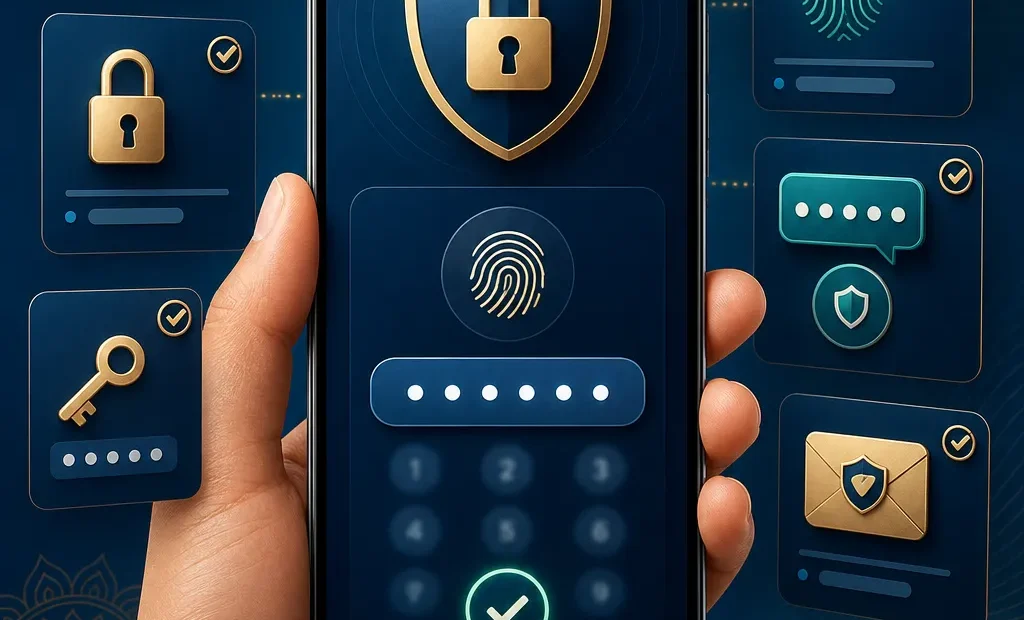
OTP codes are private. A support person, agent or group admin should not need your OTP to help with a normal issue. Passwords should not be shared in screenshots or chats. If you use a password manager, confirm it fills details only on the expected domain.
Common login issues
Login may fail because of a wrong password, expired OTP, blocked captcha, weak network, old app cache or repeated attempts. The practical answer is to pause, check the message and try the visible recovery flow shown on the page you have verified. Repeated entry on multiple unknown pages raises risk.
OTP and captcha problems
OTP messages can be delayed by mobile network issues or blocked by spam filters. Captcha problems can happen when a browser blocks scripts or the connection is unstable. Refresh once, check the network and avoid rapid repeated requests. Too many attempts can make recovery harder.
Public device warning
Avoid logging in from cyber cafes, borrowed phones or public computers. If there is no alternative, never save the password, log out fully and clear the browser session. Public Wi-Fi can also increase risk when combined with sensitive account steps.
When recovery is needed
Use the forgot-password or account recovery option only from a verified page. Do not pay third parties to recover an account and do not install remote-control apps for help. Recovery should protect your account, not give control to another person.
Account safety after login
After login, check whether account details, linked contact information and payment records look familiar. If something looks wrong, stop using the account and follow the visible recovery route. Do not continue simply because a page loads successfully.
A safe login habit is simple: verify the page, keep OTP private, use a strong password and stop if a link feels wrong. Login access is not a promise of winnings, payment success or bonus availability; it is only account access.
Before entering the first character
The best login check happens before the first character is typed. Look for unexpected spelling, odd redirects, missing security indicators or pop-ups that ask for extra information. A fake page may still look polished, so combine visual checks with source checks rather than relying only on design.
Using a password manager carefully
A password manager can help because it usually fills details only on a saved domain. If it refuses to fill a password, do not immediately copy and paste the password manually. First check whether the current page differs from the saved page. That small warning can prevent a credential leak.
When login keeps failing
Repeated login failures can trigger lockouts or make users impatient. Instead of trying many links, document the message shown, check network stability, confirm the phone number or email and wait before requesting another OTP. A calm process is safer than rapid retries.
What not to share while asking for help
A user can describe a problem without sharing the full password, OTP, UPI PIN, full card number or recovery code. If a screenshot is needed for a general question, crop private fields. Any helper who insists on private codes should be avoided.
Checking after a successful login
A successful login does not mean the work is finished. Check whether the account page, contact details, balance display and recent activity look familiar. If something is unexpected, stop before opening payment or game sections. Early review can catch account-access problems before they become larger.
Why login guides should stay practical
A useful login guide should explain checks and troubleshooting, not push users into immediate play. The aim is to help users protect credentials, understand OTP behaviour and avoid fake links. Safe access comes before any bonus, game or payment action.
Safety and Limits
Adults should follow local law, avoid fake links, save transaction records and never treat gaming as income. Stop if gaming affects family, work, study or finance.