
Key Notes
This article is part of the 55Club India information guide. It explains practical user questions without promising winnings, income, payment outcome or official status.
Practical Guide
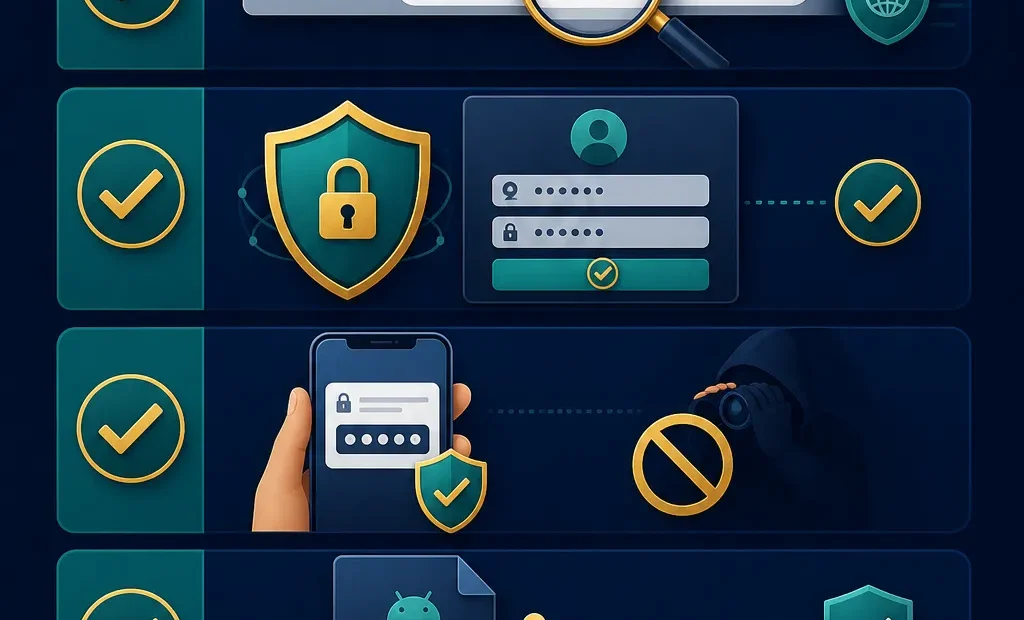
Mobile gaming is convenient because it lets users check account pages, app access, game categories and payment topics from anywhere. Convenience also creates risk when links are opened quickly and details are typed on a small screen. A few safety habits can reduce common problems.
Slow down before tapping
Many risky actions begin with a forwarded link, a pop-up, a social post or a message promising urgent benefits. Read the URL, check the page source and avoid acting under pressure. A delay of one minute is better than entering credentials on a fake page.
Keep private codes private
OTP, UPI PIN, card security numbers and account passwords are private. Do not send them to anyone claiming to be support, an agent or a group admin. Screenshots can also reveal details, so crop or avoid them when asking general questions.
APK and permission safety
Install files only from a source you can verify. Unknown APK files may request broad permissions or behave differently after installation. If an app asks for access that does not match the purpose, stop. Keep the phone operating system and browser updated for better security.
Payment record habits
When checking payment topics, record the transaction ID, amount, date, account name and status. Do not retry repeatedly without understanding the first response. If a payment is pending, patience and documentation are safer than sending money to an unknown helper.
Recognise social-link risks
Fake Telegram, WhatsApp or short-video profiles may use logos and urgent wording to look reliable. Treat requests for extra fees, remote access, OTPs or payment PINs as unsafe. A real safety process should not require handing over control of your phone.
Device hygiene
Use a screen lock, keep apps updated and remove files you no longer trust. Avoid storing payment screenshots in shared galleries. If you suspect an unsafe APK was installed, remove it and review permissions before using any account page again.
Set play boundaries
Safety is not only technical. Set a spending limit and time limit before opening any game category. Stop when tired, upset or under pressure. Do not borrow money to continue and do not treat gaming as income.
A safer mobile routine includes verified links, private OTPs, careful app permissions, saved transaction records and strict personal limits. These habits apply to 55Club searches and to any similar online gaming topic.
Separate gaming from banking habits
A phone may contain banking apps, payment wallets, photos, documents and messaging accounts. That makes mobile safety broader than one gaming login. Keep payment PINs private, use a device lock and avoid giving screen-sharing access to anyone who claims they can solve an account issue.
Keep a simple record
A small record of account actions can help during confusion. Note the date of registration, important transaction IDs and the page used for recovery. Do not store passwords in plain notes. Good records help users explain issues without exposing private details.
Notice pressure tactics
Pressure is a common warning sign. Messages that say an offer will vanish in seconds, a payment must be repeated immediately or an agent can unlock special access should be checked carefully. Responsible use leaves room to pause and verify.
Safety includes stopping
The safest mobile action is sometimes closing the app or browser. If the user is tired, angry, confused or worried about money, continuing can make decisions worse. A planned stop is not a failure; it is part of responsible gaming.
Notifications and impulse
Notifications can pull users back into a session even after they planned to stop. Review app and browser notification settings. If alerts create pressure, turn them off. A quieter phone can make it easier to follow time and budget limits.
Network and privacy basics
Public Wi-Fi may be convenient, but it is not ideal for account access or payment checks. Use a trusted connection when possible. If the network is unstable, avoid repeated login or payment attempts because duplicate requests can create confusion.
A simple weekly review
Once a week, review saved links, installed apps, payment records and notification settings. Remove anything you no longer trust. This small habit keeps mobile gaming activity visible and reduces the chance that old shortcuts, stale APK files or confusing screenshots cause later problems.
Safety and Limits
Adults should follow local law, avoid fake links, save transaction records and never treat gaming as income. Stop if gaming affects family, work, study or finance.